

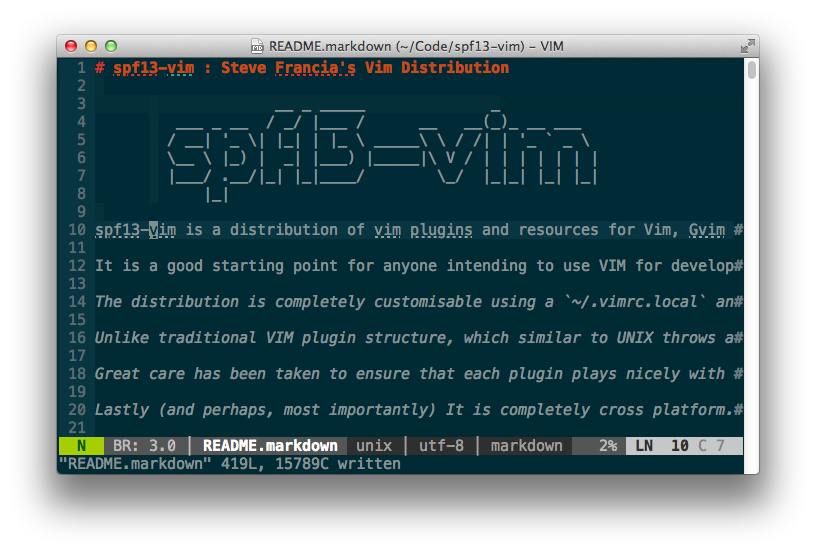
spf13-vim : Steve Francia's Vim Distribution
spf13-vim is a distribution of vim plugins and resources for Vim, Gvim and MacVim. It is a good …

Git is a fantastic tool and is very useful for deployment. If you can’t install git system wide or don’t want to mess with installing it on the entire system here is an easy way to install it for a single user. This also works well on Mac OS X where installing git is more challenging than necessary. Script included
I used this script to install git on 1and1. The same script should work anywhere with no or little modification.
Goto http://git-scm.com/download and get the link to the latest git release.
You should be able to just copy and paste this (replacing the link with the one from git-scm.com)
mkdir git-download mkdir -p $HOME/bin/git
cd git-download
wget http://kernel.org/pub/software/scm/git/git-1.6.5.tar.gz # replace with your link
tar -xzf git-1.*.tar.gz
cd git*
./configure --prefix=$HOME/bin/gitlib
make
make install
echo 'PATH=$PATH:$HOME/bin/gitlib/bin/'  > ~/.bash_profile
echo 'export PATH=$PATH:$HOME/bin/gitlib/bin:$HOME/bin/gitlib/libexec/git-core'  > ~/.bashrc
PATH=$PATH:$HOME/bin/gitlib/bin
spf13-vim is a distribution of vim plugins and resources for Vim, Gvim and MacVim. It is a good …
After subversion but before Git there was SVK. If you are stuck using subversion do yourself a favor and use svk.
