VIM

VIM Crash Course

MacVim icon, glossy style

Image via Wikipedia

Most developers know the basics of VIM, enough to edit a conf file, but most stay there, unaware of the power and beauty of vim. One of my developers has expressed desire to abandon the bloated GUI ways of eclipse and discover VIM. I have been using VIM for such a long time I forgot how difficult that transition is. Here are some resources and approaches to help you learn vim.

Vim Plugins: snipMate

MacVim icon, glossy style

Image via Wikipedia

Today I discovered snipMate, and I feel like I have finally found the holy grail. SnipMate plays well with supertab and autocompletion. It provides pretty much all the beloved snippet features of TextMate, it even has a nearly identical syntax to TextMate. If you’re not using the snipMate plugin for vim yet you need to be.

Vim Plugins: NERD Commenter

Vim (text editor)

Image via Wikipedia

The NERD Commenter is an indispensable tool when programming in VIM. It understands like a zillion different file types and properly comments each. It can handle single line, multi line, partial line commenting as well as nesting. If you're programming in VIM you really should be using it. 

It is simple enough to use. Most commands are mapped to ,c[character]. The command you are probably going to use the most is ,c<space> which intelligently toggles a comment on or off.

You can find the plugin at The NERD Commenter.  

The 15 Best VIM Plugins

One of the things that makes vim great is that it can be extended through plugins. There are plugins for more than you would expect. I have gathered together the 15 best plugins. I also include a tarball which when extracted in your home directory will setup my vim environment with all the plugins and configuration.

My Custom .vimrc file for VIM [updated]

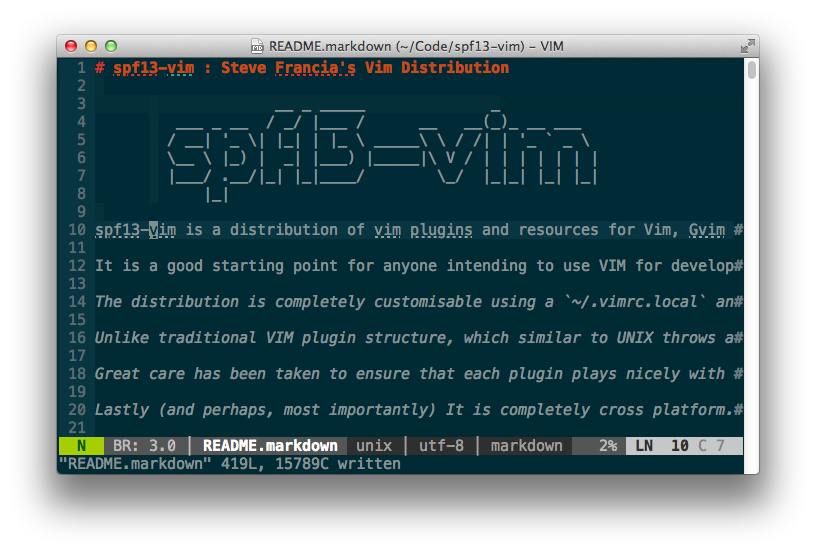
Vim (text editor) in a terminal emulator, with...

Image via Wikipedia

Vim is a good editor, made great with a custom .vimrc file.

My .vimrc file adds syntax highlighting, autocomplete with tab, folding and highlights the line you are on.

Feel free to use or modify it for your needs.

Original Post, June 2 2008, Updated Oct 1 2009