Ultimate Vim Config
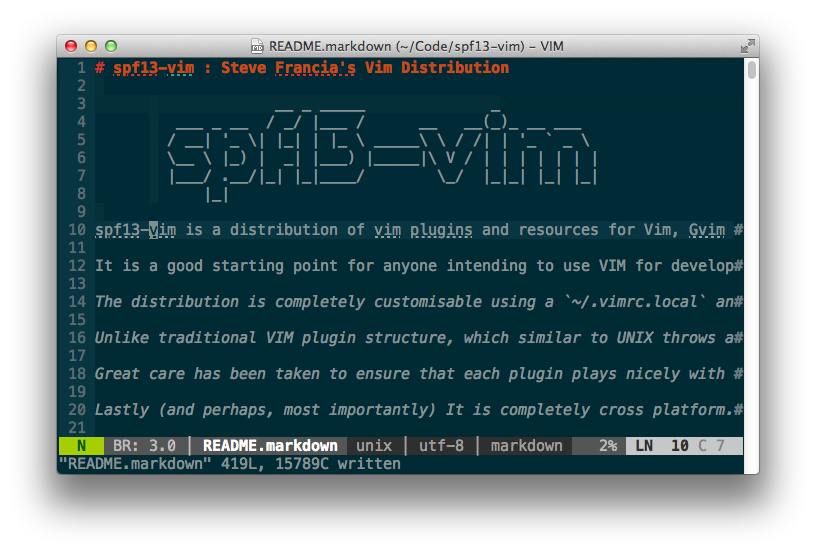
I have spent the last few years tweaking and refining my VIM configuration. This is the ultimate VIM configuration .vimrc file. It is well organized and documented. It is on GitHub so you can always grab the latest. It works well alone, but is intended to be paired with the plugins and configuration found in my complete .vim configuration also hosted on GitHub.
VIM Crash Course

- Image via Wikipedia
Most developers know the basics of VIM, enough to edit a conf file, but most stay there, unaware of the power and beauty of vim. One of my developers has expressed desire to abandon the bloated GUI ways of eclipse and discover VIM. I have been using VIM for such a long time I forgot how difficult that transition is. Here are some resources and approaches to help you learn vim. Read more
Vim Plugins: snipMate

- Image via Wikipedia
Why use it
- It’s super easy to use
- It has tons of snippets
- It’s pretty well compatible with TextMate snippets for easy portability
- Dynamic variables, for all the times you use the same string multiple times
- It’s really easy to define your own snippets
- It’s better than anything else out there, trust me I’ve tried them all Read more

Vim Plugins: NERD Commenter
Image via Wikipedia
The NERD Commenter is an indispensable tool when programming in VIM. It understands like a zillion different file types and properly comments each. It can handle single line, multi line, partial line commenting as well as nesting. If you’re programming in VIM you really should be using it. Read more
The 15 Best Vim Plugins

- Image via Wikipedia
One of the things that makes vim great is that it can be extended through plugins. There are plugins for more than you would expect. I have gathered together the 15 best plugins. I also include a tarball which when extracted in your home directory will setup my vim environment with all the plugins and configuration. Read more